Reducing PDF File Size for Email Without Blurring Crisp Text
Understand why PDFs grow unexpectedly large and which compression settings shrink megabytes while keeping vector typography sharp.
Trijsoft
Document Systems Architect · Designs PDF formatting workflows and automated publishing pipelines for distributed engineering and operations teams.
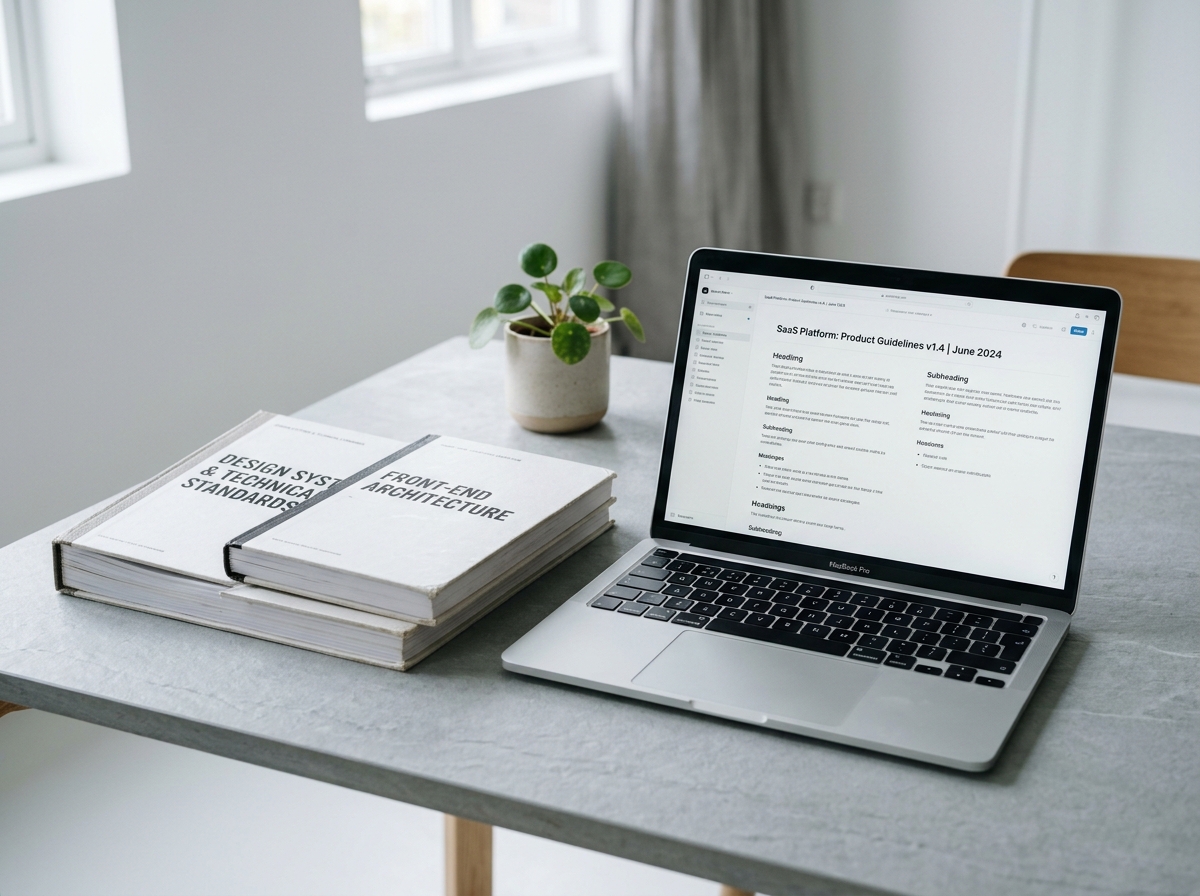
Why modern PDFs exceed attachment limits
A pure text PDF rarely exceeds a few hundred kilobytes. Documents grow to 20 MB or 50 MB when design suites embed raw uncompressed photographs, 600 DPI scanner bitmaps, or duplicated font subsets across every section.
Vector typography vs. raster image downsampling
Avoid "print-to-image" workarounds that flatten entire pages into giant JPEGs—doing so blurs body text and removes searchability. Proper PDF compression leaves vector text outlines untouched while downsampling oversized embedded photos to clean screen resolutions.
Matching compression presets to your use case
Select Recommended compression for client emails and portal submissions. Reserve Light compression for high-DPI print proofs, and use Maximum compression only when strict file-size caps outweigh photo crispness.
Try These PDFly Tools
Apply the workflow from this guide directly with PDFly.
Related Guides
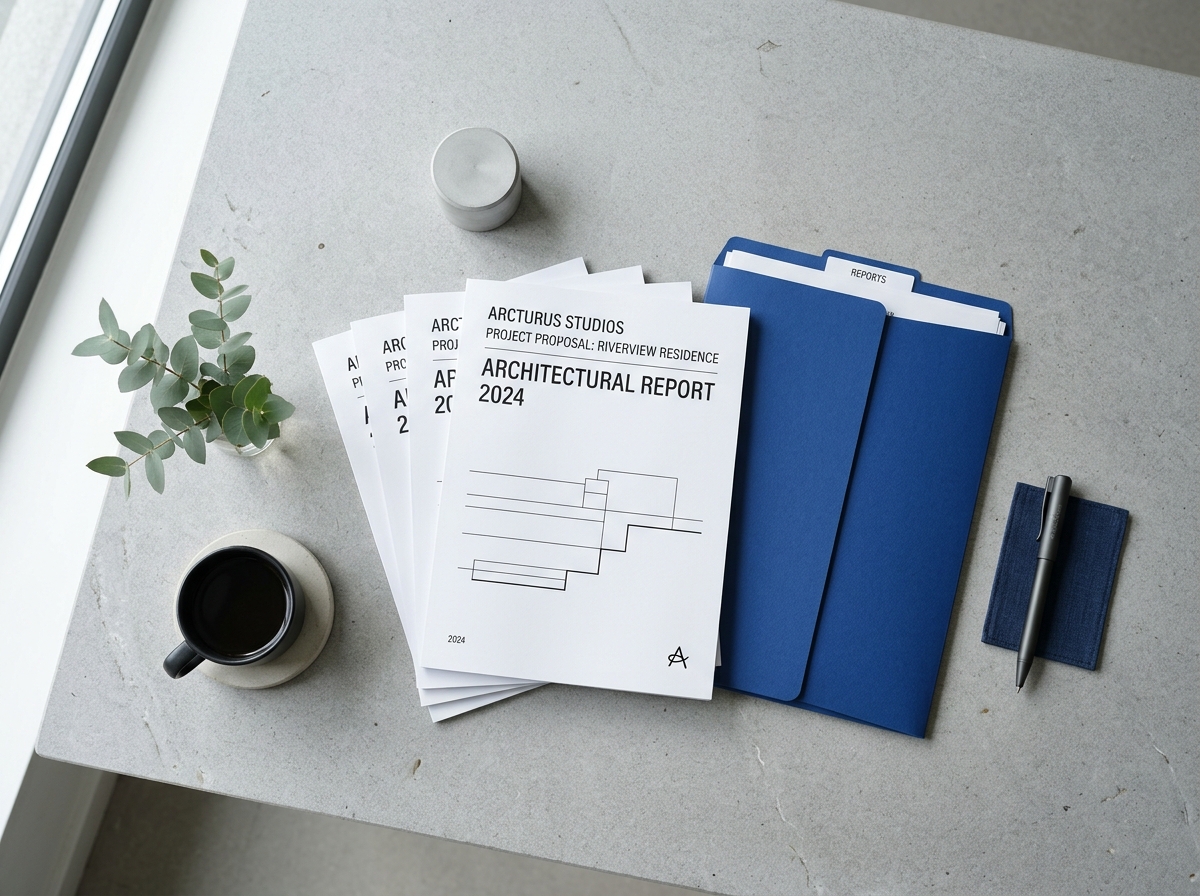
How to Merge Multiple PDF Reports Into One Clean Packet
Organize client proposals, appendices, and scanned signatures into a single sequential PDF without breaking margins or bookmarks.
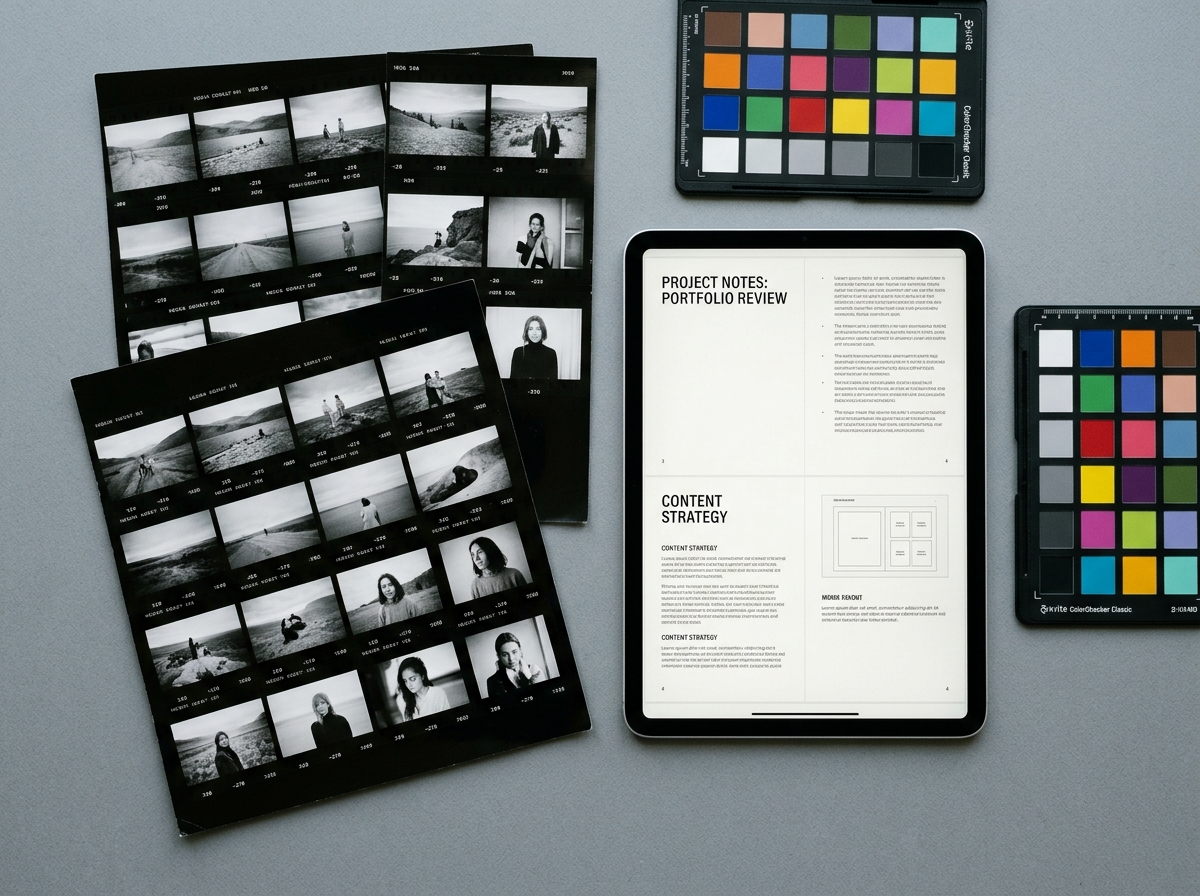
PDF to JPG vs. JPG to PDF: Choosing the Right Resolution and Margins
When to rasterize PDF pages into JPGs for slides, and how to frame scanned photos back into print-ready PDFs.